Live Sound Analysis
Bio-Acoustic Hunting Call Checker
Use your iPhone as a field assistant to help estimate whether a heard sound is likely a real animal call or a human / device imitation based on its acoustic characteristics.
Real-time Analysis
Elk · Deer · Turkey
Spectrogram View
Offline Friendly
Quick Start
Follow these steps in the field or while reviewing recordings.
-
1Choose the target animalOn the home screen, pick Elk, Deer, or Turkey. The app automatically loads the correct acoustic model and score weights for that species.
-
2Let the phone “listen”Hold the iPhone with the microphone pointed toward the sound source. The app continuously fills a 5-second buffer with audio from the built-in mic while you wait for a call.
-
3Tap AnalyzeAfter the call finishes, tap the Analyze button. The app runs a set of bio-acoustic checks (pitch stability, harmonics, band energy, noise, envelope shape, etc.) and computes a 0–1 score for “likely real”.
-
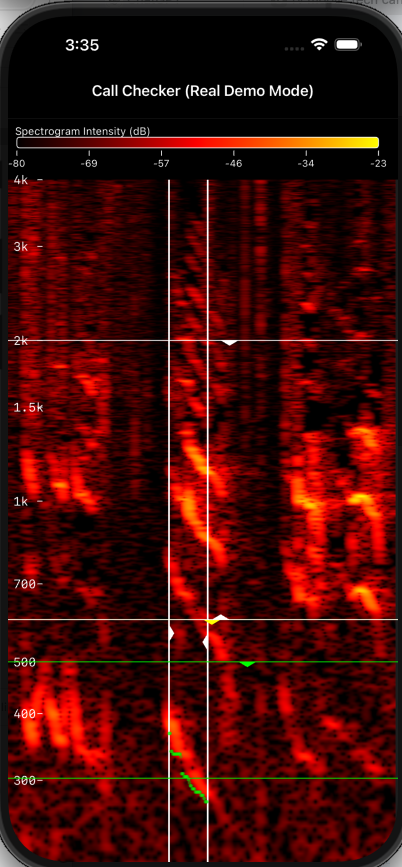
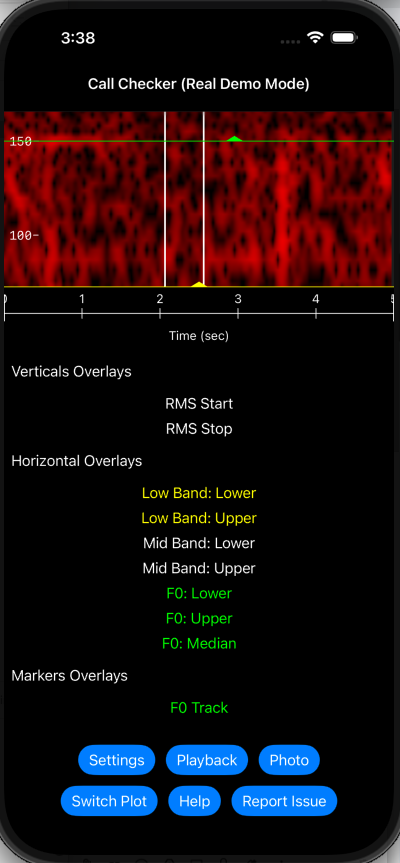
4Read the score & spectrogramThe score widget changes color from red (very synthetic) to green (very natural), and the spectrogram shows the frequency structure of the call over time.
-
5Adjust sensitivity (optional)In Settings, you can tweak how strict the app is. If you want to flag more “maybe real” calls, reduce strictness. If you only want very clean, natural calls to score high, increase strictness.
Availability
The Hunting Call Checker app is designed for iPhone.
The Hunting Call Checker app is designed for iPhone.
iOS • iPhone
Optimized for outdoor use
App Store link: coming soon